Built-in templates
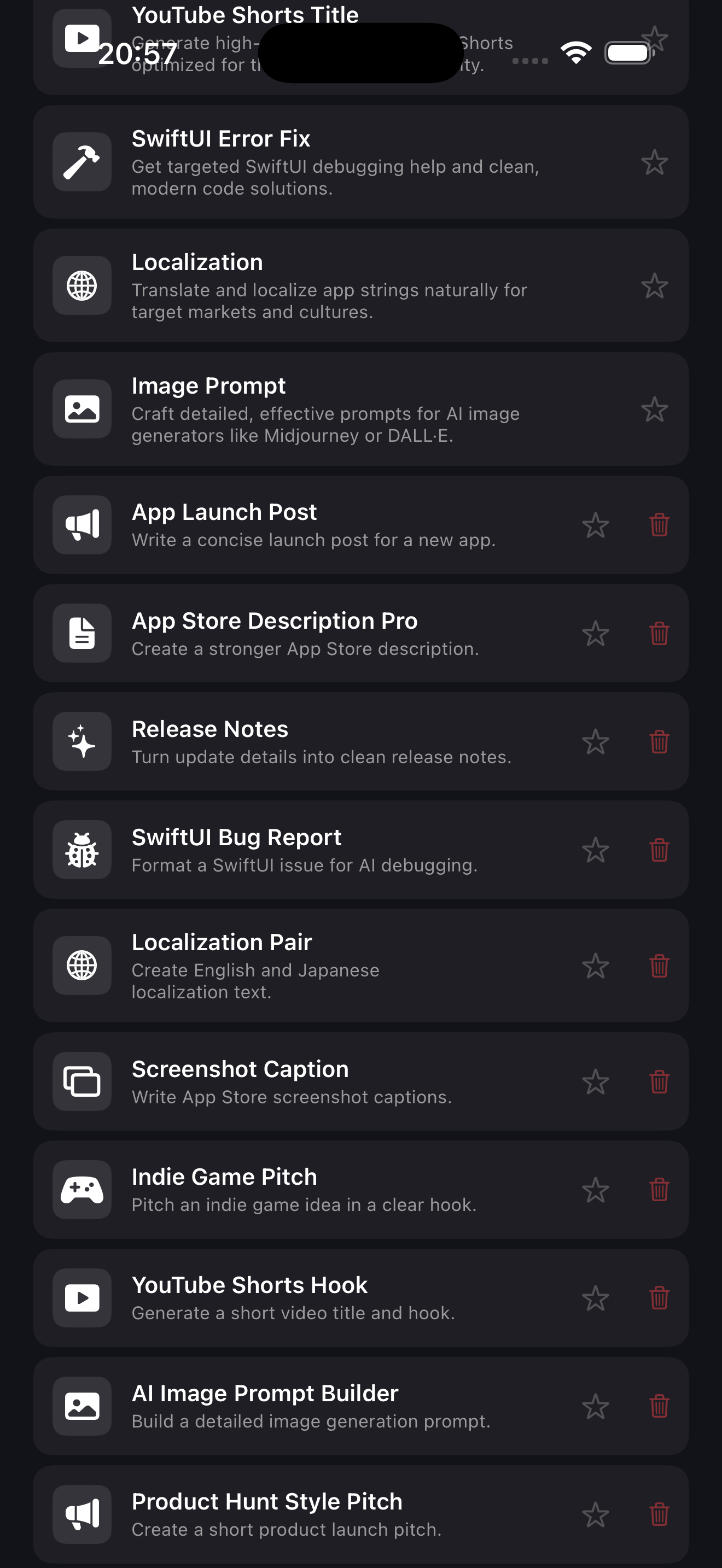
Six ready-to-use prompt templates for App Store copy, X posts, YouTube Shorts titles, SwiftUI error fixes, localization, and image prompts.
PromptDock AI gives you reusable templates, saved inputs, prompt history, and custom forms — so you stop rewriting the same prompts from scratch.
PromptDock AI has been submitted for App Store review. The App Store link will become available after approval.
PromptDock AI is designed for people who use AI tools regularly. It keeps your prompts structured, reusable, and ready — so you can focus on the work, not the setup.
Six ready-to-use prompt templates for App Store copy, X posts, YouTube Shorts titles, SwiftUI error fixes, localization, and image prompts.
Build your own prompt forms with custom fields, labels, and system instructions — tailored to your exact workflow. Export and import as JSON.
Fill in the fields, tap Generate Prompt, and get a fully structured, copy-ready prompt in seconds. Open directly in ChatGPT or copy to any AI tool.
Save frequently used input combinations and restore them with a single tap — no more retyping the same project details every session.
Every generated prompt is saved automatically. Restore, copy, or open any past prompt directly from the history list.
Export your custom templates as a JSON file to back them up or share them across devices. Import in one tap.
Download reusable JSON packs for app launches, vibe coding, SwiftUI debugging, app icon prompts, and PromptDock AI starter workflows. Import them directly into PromptDock AI.
10 reusable templates for app launches, App Store copy, release notes, SwiftUI debugging, localization, screenshot captions, image prompts, and more.
Prompts for launch checklists, App Store metadata, review notes, privacy summaries, and launch posts.
Prompts for turning messy ideas into MVPs, SwiftUI screen specs, coding requests, scope cuts, and UI polish tasks.
Prompts for Xcode errors, SwiftUI layout bugs, crash logs, one-file patch requests, and compiler error explanations.
Prompts for premium iOS icons, minimal utility icons, dark fantasy icons, game icons, and icon critique.
Download all indie maker prompt packs in one JSON file for a larger PromptDock AI starter library.
PromptDock AI keeps your templates, input fields, generated prompts, history, and support links in one focused workflow.
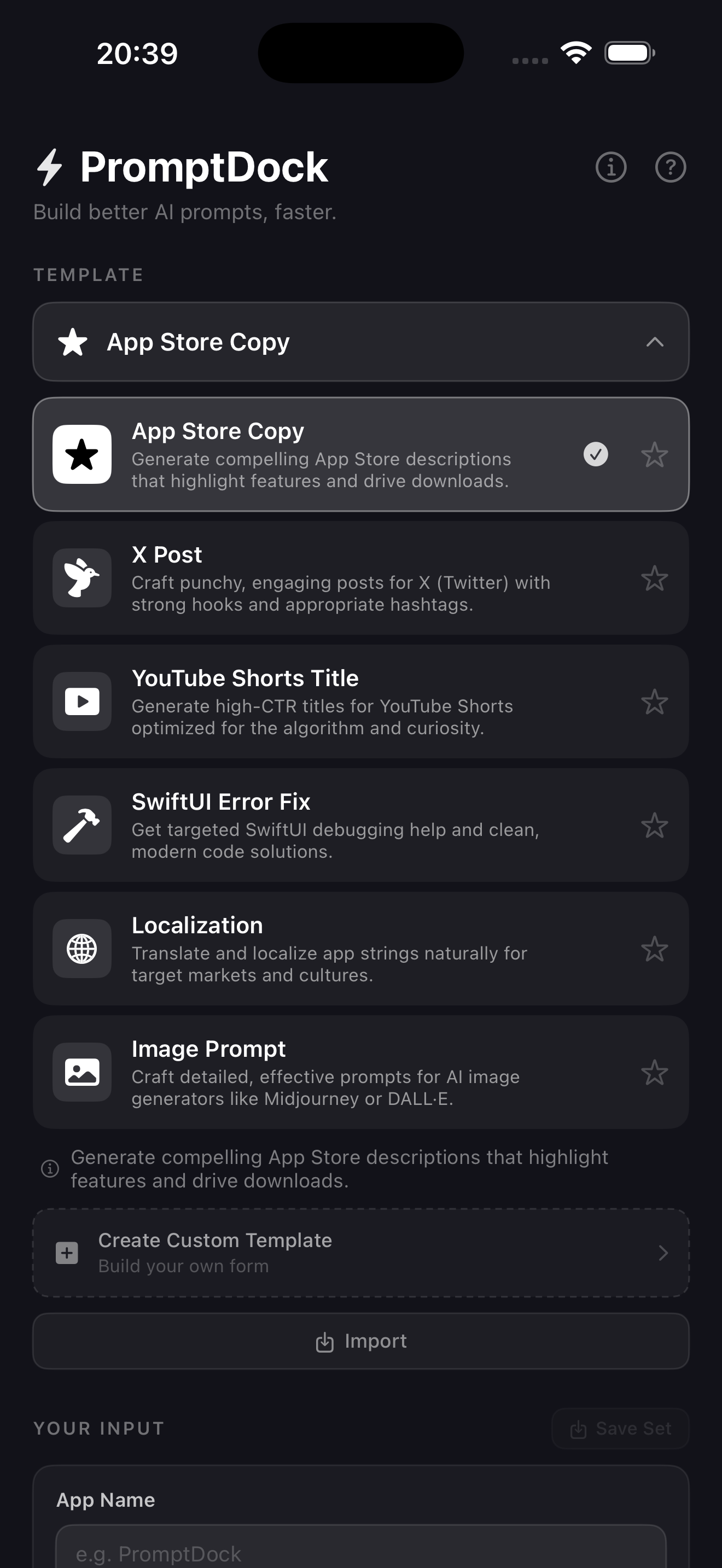
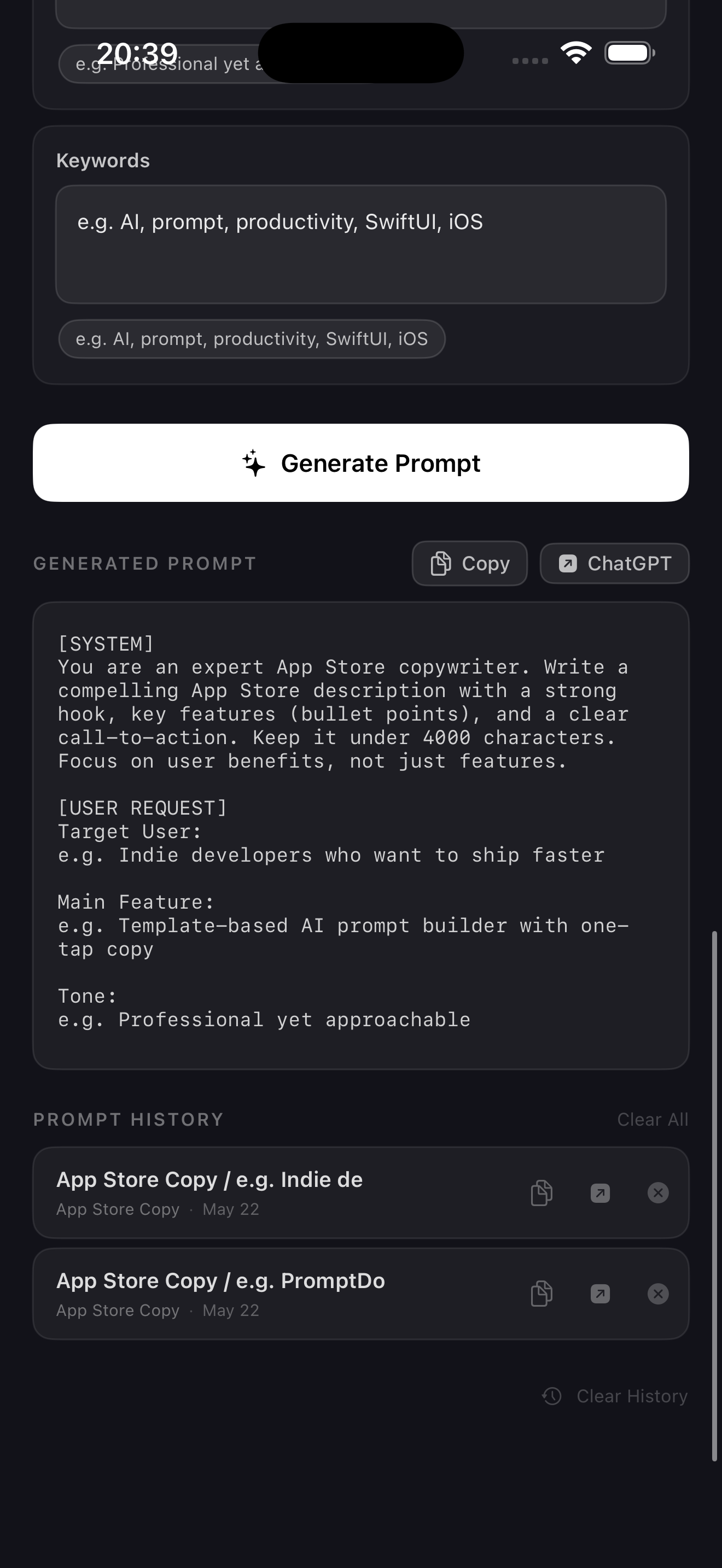
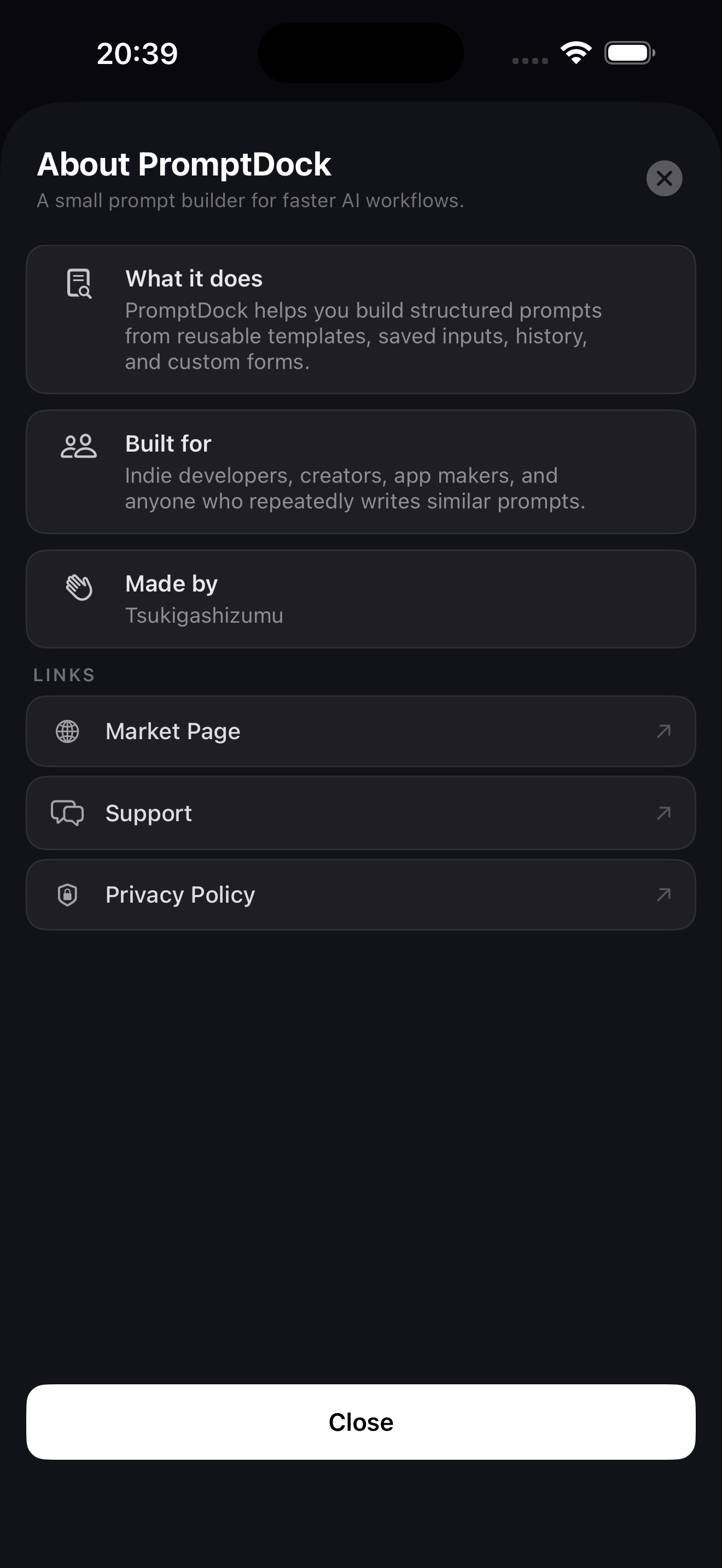
Writing the same prompt structure over and over wastes time. PromptDock AI keeps your prompt logic in templates with named fields, so every generation is fast, consistent, and reusable.
PromptDock AI does not collect, transmit, or share any personal data. Your templates, prompt history, and saved inputs never leave your device.
PromptDock AI gives you a structured, template-based workflow for AI prompts — so you spend less time setting up and more time on the work that matters.